Creating a clutter-free workspace at home can dramatically improve your productivity, focus, and overall well-being. Whether you’re working remotely, studying, or managing home tasks, an organized area helps reduce distractions and keeps your mind clear. Here are some simple tips to help you organize your home workspace effectively.
Why a Clutter-Free Workspace Matters
A cluttered workspace often leads to stress and decreased productivity. Items scattered across your desk or floor can cause distractions and make it harder to find what you need. By maintaining an organized area, you promote mental clarity and create a positive working environment.
Start with a Clear-Out
Sort and Purge Unnecessary Items
Begin by removing everything from your workspace. Sort items into categories:
– Essentials you use daily
– Occasionally used items
– Things to discard or relocate
Be honest about what you really need at your desk. Anything that doesn’t support your work should be stored elsewhere or donated if unused.
Clean Your Space Thoroughly
After clearing your area, take a moment to clean your desk, shelves, and any storage furniture. Dust and wipe surfaces so that your workspace is fresh and inviting.
Use Smart Storage Solutions
Choose Functional Furniture
Invest in desks or tables with built-in storage like drawers or shelves to keep supplies handy but out of sight. This prevents surface clutter and keeps things organized.
Utilize Organizers and Dividers
Drawer dividers, trays, and small containers help sort pens, paper clips, and cables neatly. Use labels on containers to quickly find what you need without rummaging.
Vertical Storage Options
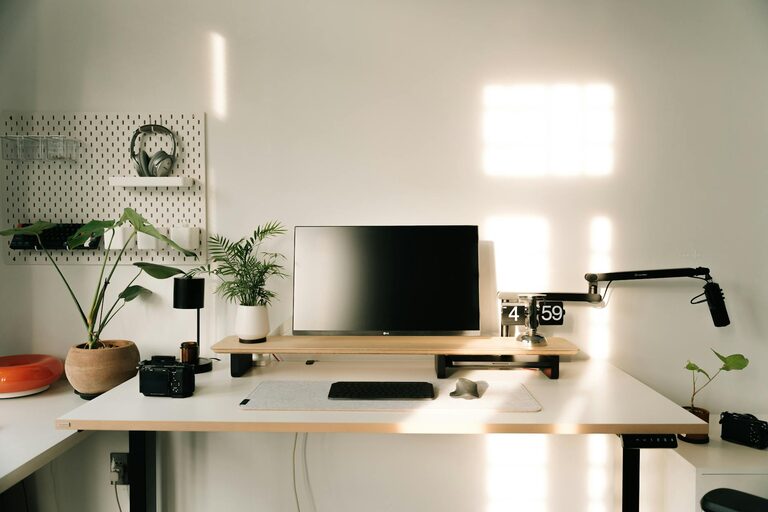
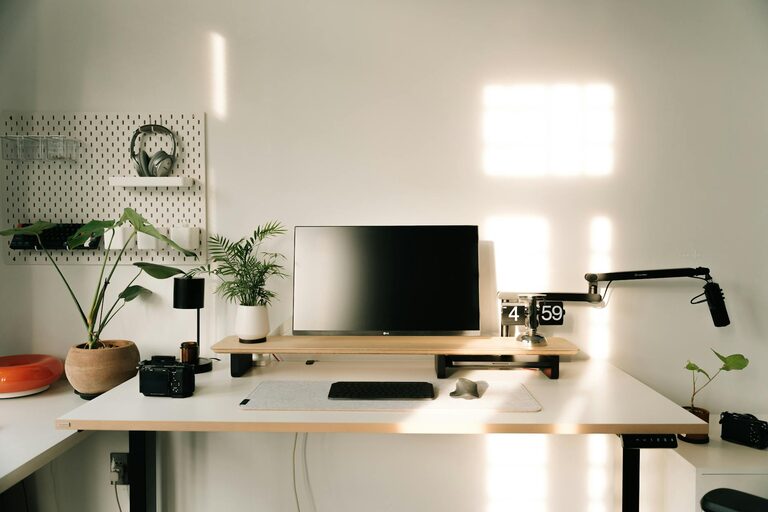
Wall-mounted shelves, corkboards, or pegboards can hold books, notes, or tools, freeing up desk space while keeping essentials accessible.
Develop a System for Paper and Documents
Papers and documents often create clutter quickly. Here’s how to manage them:
– Use file folders or a filing cabinet to sort papers by category.
– Go digital when possible by scanning important documents and storing them electronically.
– Tackle incoming mail daily and avoid piling it on your desk.
Keep Cables and Electronics Tidy
Electronic devices and their cables can look messy if not organized properly.
– Use cable clips or ties to bundle cords neatly.
– Designate a specific spot for charging devices.
– Unplug electronics that aren’t in use to reduce clutter and save energy.
Maintain Your Organized Workspace Daily
Organization is not a one-time task but a habit. Spend 5 to 10 minutes at the end of each day to:
– Put away supplies and tools.
– Clear your desktop of unnecessary items.
– Review your to-do list and organize tasks.
This routine helps prevent clutter from building up again.
Personalize Without Overcrowding
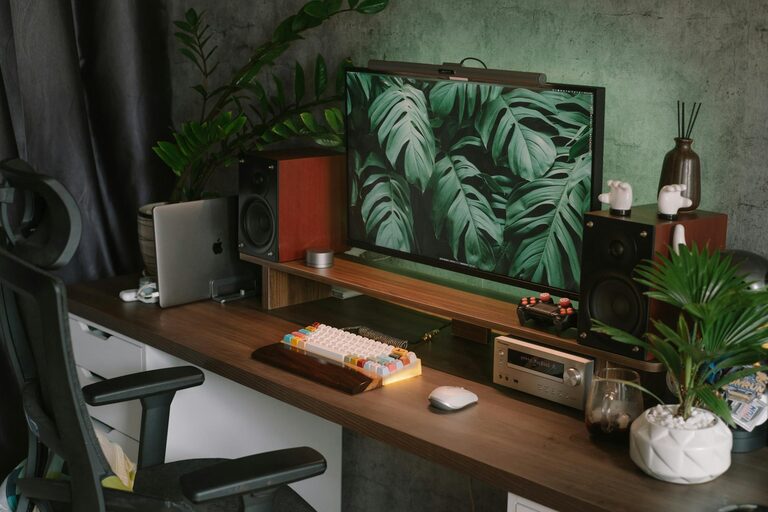
Adding a few personal touches like plants or photos can make your workspace more enjoyable. Just avoid overcrowding your desk—select a couple of items that inspire you without taking up too much space.
Optimize Lighting and Seating
A clutter-free space also means a comfortable and well-lit one.
– Arrange your desk near natural light if possible.
– Use task lighting to reduce eye strain.
– Invest in a comfortable chair that supports good posture.
Final Thoughts
Organizing your home workspace doesn’t have to be complicated. By clearing out unwanted items, using smart storage, and establishing daily habits, you can create a clutter-free environment that supports productivity and reduces stress. Remember, the goal is a space that works for you—functional, tidy, and inviting.
Start small, stay consistent, and enjoy the benefits of a well-organized home workspace.
About the Author